

 December 18, 2025
  7 Min
7 Min  No Comment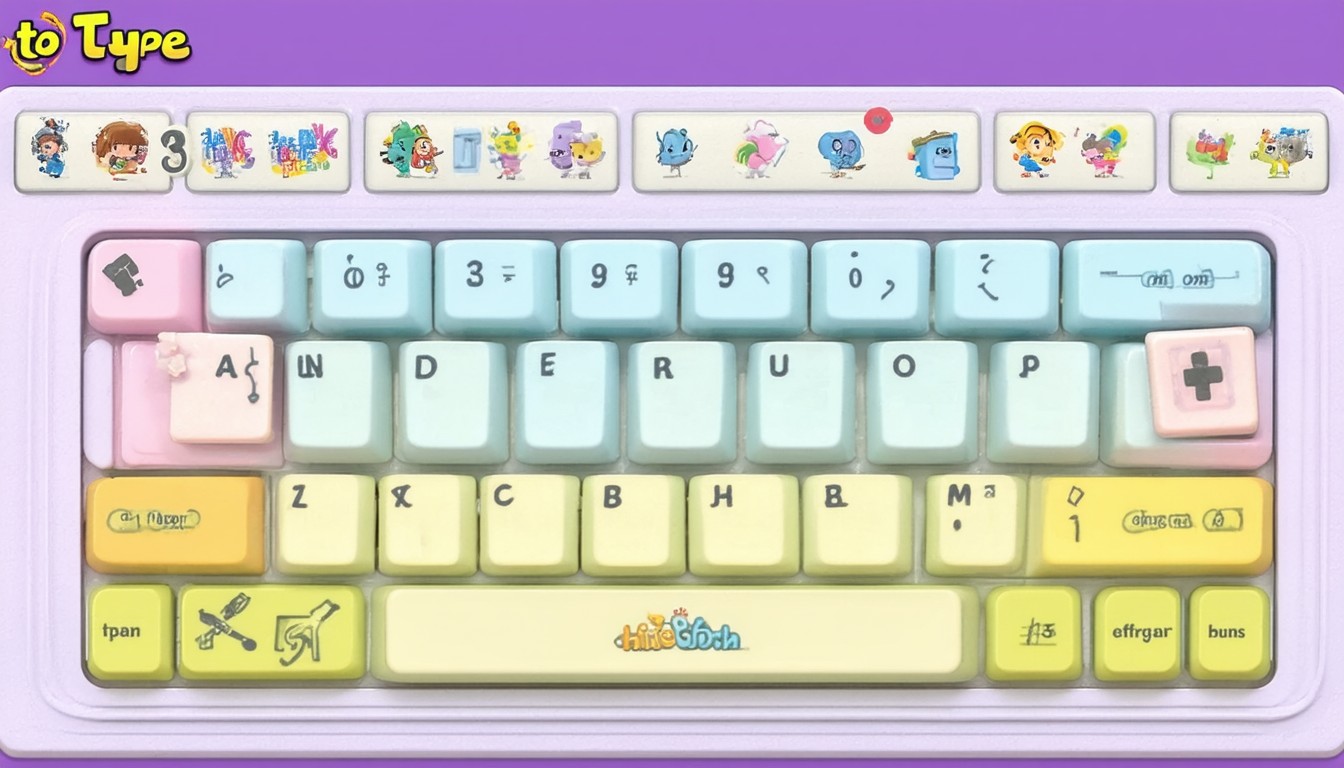
In today’s technology-driven world, keyboarding is no longer a peripheral skill—it’s a core competency for academic achievement and digital citizenship. As schools integrate more devices and platforms into daily lessons, students are expected to type with both speed and accuracy. Educational leaders and parents alike recognize the value of software that not only teaches typing, but does so through engaging, student-friendly experiences. “Type to Learn 3,” a widely respected keyboarding program, stands out for its blend of research-based methods and interactive design. It’s become a mainstay in many classrooms seeking to prepare students for future digital demands.
What Is Type to Learn 3?
Type to Learn 3 is a keyboarding program designed specifically for K–12 students. Developed by Sunburst Digital, it builds on earlier versions with improved adaptive features, robust reporting tools, and alignment with national technology standards. The software is used in thousands of schools across North America and has made a mark for its fun, game-like approach to otherwise repetitive skill practice.
How the Program Works
Type to Learn 3 guides students through a progressive series of lessons and activities. Each stage builds keyboard knowledge, starting with home row basics and advancing toward real-world exercises. Unlike free online typing sites, Type to Learn 3 uses:
- Self-paced, structured lessons focused on accuracy before speed
- Immediate feedback and error tracking to encourage progress
- Creative challenges (like spy missions) to keep kids motivated
- Adaptive difficulty that customizes tasks based on student performance
By taking a “learn, practice, apply” approach, the software scaffolds essential skills and helps students transfer them into classroom assignments and beyond.
Core Features and Benefits for Schools
Beyond its foundational typing lessons, Type to Learn 3 offers specific advantages for school settings.
Comprehensive Skill Development
The curriculum emphasizes not just memorizing letter locations, but cultivating healthy typing habits. Lessons integrate:
- Proper hand positioning and ergonomics
- Familiarization with all keyboard keys, including numbers and symbols
- Contextual word and sentence typing for real-world application
A longitudinal study on typing programs published in Computers & Education found that students who practiced with structured software like Type to Learn 3 achieved significantly greater speed and accuracy increases over six months compared to those using unstructured drills alone.
Teacher-Centric Tools
Administrators and teachers need to monitor progress efficiently. Type to Learn 3 features:
- Automatic assessment reports by student, class, or grade
- Adjustable difficulty and lesson pacing
- Alignment with ISTE and state technology standards for learning
“One of the key strengths of Type to Learn 3 is its teacher dashboard, which turns raw student practice into actionable insights for instruction and intervention,” notes EdTech curriculum consultant Maria Jensen.
Engagement Through Game-Based Learning
Children are more likely to stay on task and complete lessons when they feel entertained. The program’s missions, animated feedback, and achievement tracking make routine practice feel like gameplay, not rote memorization.
Real-World Example: District Implementation
A midwestern public school district reports that after adopting Type to Learn 3 in its elementary grades, teachers noted improved classroom performance. Not only did students demonstrate higher typing accuracy, but teachers found they took more pride in written assignments and digital projects.
Fitting Type to Learn 3 Into Today’s Digital Classrooms
Compatibility and Accessibility
Type to Learn 3 is available for Windows and Mac platforms and offers both on-premises and cloud-based deployment options. This flexibility allows schools to run the program in labs, on rolling carts, or even as a supplement for remote learning. Special features such as adjustable text sizes and audio support help ensure accessibility for students with diverse needs.
Meeting Curriculum and Testing Demands
As standardized testing and online assessments become the norm, basic keyboarding becomes essential for equitable access. School IT leaders often cite typing proficiency as a bottleneck for students completing assessments fully, especially under timed constraints. Integrating a structured program like Type to Learn 3 can proactively address these challenges.
Comparing Type to Learn 3 With Alternatives
The educational tech market is crowded with typing tools, from web-based games to comprehensive software suites. Type to Learn 3 distinguishes itself in several ways:
- Targets the K–12 classroom specifically, not just individual learners
- Prioritizes a standards-aligned, research-informed approach
- Integrates teacher management tools not found in most free alternatives
- Offers a deeper curriculum beyond isolated game mechanics or speed challenges
Compared to popular free tools like TypingClub or Nitro Type, Type to Learn 3 requires licensing but brings greater value for structured skill-building and long-term data tracking.
Teacher and Student Experiences
Feedback from teachers and students helps shape the evolution of keyboarding instruction. In interviews, educators highlight how Type to Learn 3 builds student confidence and autonomy.
“I’ve seen reluctant writers open up once they realize they can type almost as fast as they think,” explains Stephanie Williams, a 5th grade ELA teacher. “The software’s reward system keeps students returning for more, even outside of assigned practice.”
Meanwhile, students often cite the mission-based progression and ability to see tangible improvements as key motivators for ongoing practice.
Best Practices for Implementing Type to Learn 3
For optimal results, schools and parents should consider several best practices:
- Start instruction early: Keyboard habits develop easiest in upper elementary or early middle grades.
- Monitor progress: Use the platform’s reporting tools to tailor practice and celebrate milestones.
- Combine digital and real-world writing: Encourage students to transfer skills from drills to actual assignments.
- Provide ergonomic guidance: Reinforce healthy hand positioning to avoid poor habits or discomfort.
As with any technology investment, outcomes improve with consistent use and teacher involvement.
Conclusion: Preparing Students for a Digital Future
Type to Learn 3 combines structured pedagogy, gamified engagement, and flexible delivery for modern classrooms. By grounding instruction in national standards and teacher feedback, it represents a trusted choice for schools serious about long-term digital literacy. As keyboarding remains foundational to communication, education leaders who adopt thoughtful solutions like Type to Learn 3 empower their students for academic—and lifelong—success.
FAQs
What age group is Type to Learn 3 designed for?
Type to Learn 3 is tailored for elementary and middle school students, typically ranging from grades K–8. Its lessons and interface are age-appropriate and adjustable to suit different learning stages.
Is Type to Learn 3 accessible for students with special needs?
Yes, the software offers features such as audio support, adjustable text sizes, and customizable pacing, making it suitable for a variety of learners, including those with visual or motor challenges.
How do teachers track student progress within the program?
Teachers can utilize built-in dashboards to monitor accuracy, speed, lesson completion, and growth over time at both individual and class-wide levels. Reports can be exported to inform instruction and communicate with families.
Does Type to Learn 3 support remote or hybrid learning?
Type to Learn 3 offers cloud-based versions that can be accessed from home or outside the school network, supporting remote, hybrid, or traditional classroom environments.
Are there alternatives to Type to Learn 3 for keyboard instruction?
Several alternatives exist, such as TypingClub, Nitro Type, and BBC Dance Mat Typing. However, many lack the structured curriculum, reporting features, and standards alignment that make Type to Learn 3 especially valuable for schools.
What makes Type to Learn 3 different from free typing games?
Unlike many free tools, Type to Learn 3 is built around educational standards, robust teacher management, and comprehensive skill-building. It’s designed for continuity and measurable progress, rather than just entertainment or speed testing.
