

 March 22, 2026
  4 Min
4 Min  No Comment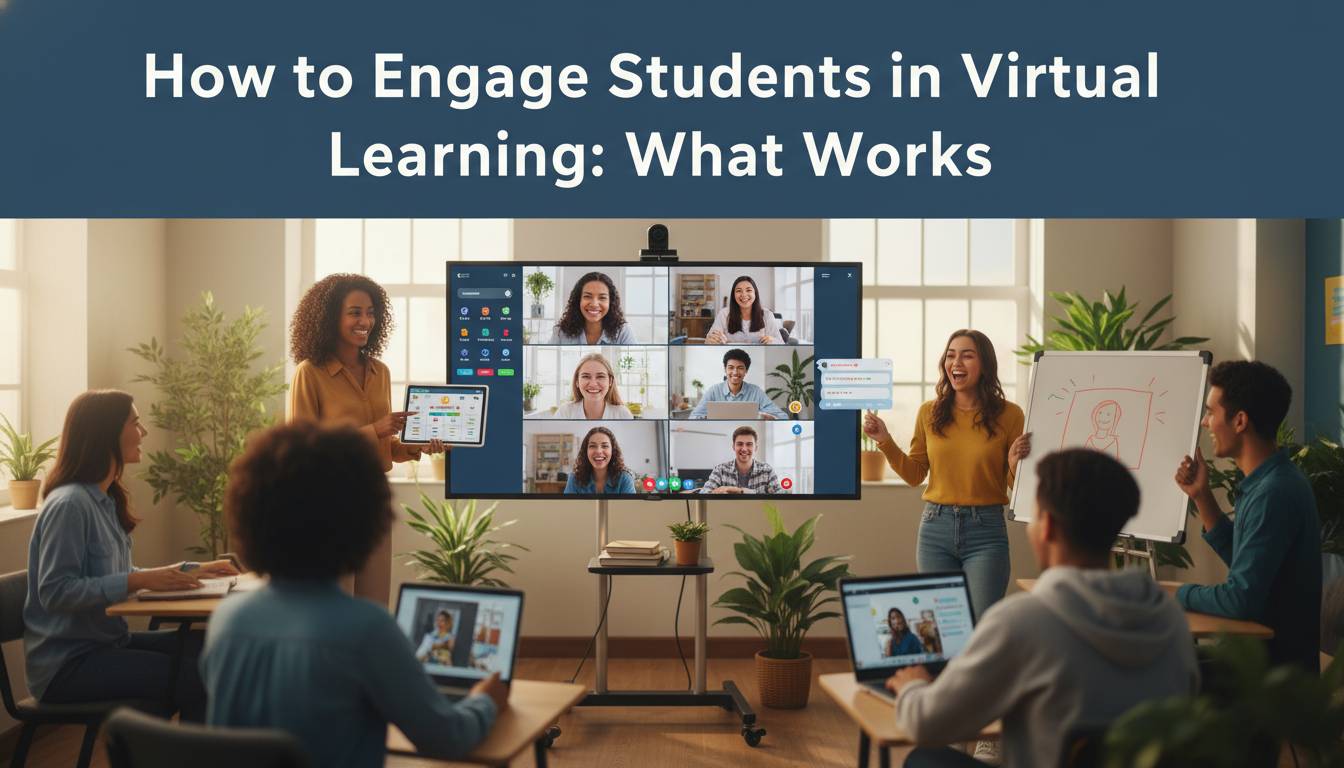
Virtual classrooms don’t automatically generate the engagement that physical spaces seem to produce effortlessly. Through years of designing and observing online learning programs, I’ve noticed that what works in face-to-face settings—proximity cues, spontaneous interactions, collective energy—doesn’t simply transfer when students log in from separate locations. Keeping learners involved in digital environments requires a fundamentally different approach that addresses the unique challenges of distributed learning.
The Virtual Engagement Challenge
Understanding why engagement drops in virtual environments is the first step toward solving the problem. Unlike physical classrooms where teachers can read body language, tap on desks, or simply stand next to a wandering student, digital learning spaces remove many of these subtle environmental cues that keep attention focused.
Key Research Findings
– The Online Learning Consortium’s Quality Scorecard framework identifies five engagement factors in virtual environments: clear expectations, meaningful interaction, active learning opportunities, timely feedback, and a sense of belonging (Online Learning Consortium, 2023)
– Cognitive load research applied to educational settings suggests that attention typically begins declining after 10-15 minutes of passive content delivery without interactive elements (Mayer, 2021; Sweller et al., 2019)
– A 2021 study published in the Journal of Computing in Higher Education found that peer interaction quality is a significant predictor of course completion in online programs, with students reporting high peer engagement showing 28% higher completion rates than those in low-interaction environments
The core issues fall into three categories: environmental distractions (home interruptions, device temptation, lack of dedicated learning space), social isolation (missing peer interaction, reduced teacher presence, loss of classroom community), and reduced accountability (weaker deadline enforcement, less immediate feedback, fewer participation requirements).
When any of these elements weakens, participation suffers. The strategies that follow address each of these factors with practical, implementable solutions informed by educational research.
Interactive Tools That Drive Real Participation
Technology alone doesn’t solve engagement problems, but the right tools make meaningful difference. Based on my observations of effective virtual classrooms, the most successful implementations combine synchronous and asynchronous elements, using different platforms for different purposes.
Tools by Function
| Purpose | Top Tools | Engagement Impact |
|---|---|---|
| Live Collaboration | Zoom, Microsoft Teams, Google Meet | Enables real-time discussion and screen sharing |
| Interactive Polling | Kahoot!, Poll Everywhere, Nearpod | Turns passive viewing into active participation |
| Whiteboarding | Miro, Jamboard, Whiteboard.fi | Visual collaboration spaces for group work |
| Breakout Rooms | Built into major video platforms | Small group discussions mirror classroom table groups |
| Gamified Learning | Quizizz, Blooket, Duolingo | Competition and rewards increase time-on-task |
Why These Work: Interactive tools address the fundamental problem of passivity in online learning. When students must respond to a poll, contribute to a shared document, or compete in a quiz, they become active participants rather than passive viewers. According to a meta-analysis published in the Review of Educational Research (Dichev et al., 2019), examining 53 studies with over 7,000 participants, interactive digital learning environments show statistically significant improvements in student engagement metrics compared to traditional lecture-based online formats.
Implementation Tip: Don’t introduce all tools simultaneously. Start with one or two that fit your teaching style and gradually expand. The technology should serve learning objectives, not distract from them. For example, if your goal is checking understanding, a simple polling tool accomplishes this without requiring students to learn a complex new platform.
The most effective educators use a “toolbox approach,” selecting different tools for different activities—polling for quick comprehension checks, breakout rooms for deeper discussions, and collaborative documents for group projects. This variety prevents fatigue while targeting specific learning outcomes.
Building Community in Digital Classrooms
Student-to-student connection is often the first casualty of virtual learning, yet research consistently shows that peer relationships are critical for motivation and persistence. Creating a sense of community requires intentional design.
Strategies That Build Virtual Community
Icebreakers and Check-ins: Begin each session with brief, low-stakes activities that let students share something personal. A simple “one word to describe your weekend” or “share one thing you learned this week” takes two minutes but humanizes the digital space. Tools like Padlet or Google Slides work well for asynchronous check-ins where students can respond to prompts throughout the week.
Peer Learning Partnerships: Pair or group students deliberately for projects, study buddies, or accountability partnerships. These relationships provide social support that increases completion rates. In my experience working with online programs, students with assigned peer partners consistently report higher satisfaction and demonstrate greater course completion.
Student-Led Components: Give students ownership by having them lead discussions, present content, or facilitate activities. This approach works particularly well in asynchronous settings where students can record short video explanations or lead discussion threads. The responsibility of teaching others deepens understanding while building community.
Virtual Social Events: Schedule optional non-academic gatherings—online game sessions, virtual coffee chats, or show-and-tell meetings. These aren’t directly educational but build the relationships