
 February 6, 2026
  7 Min
7 Min  No Comment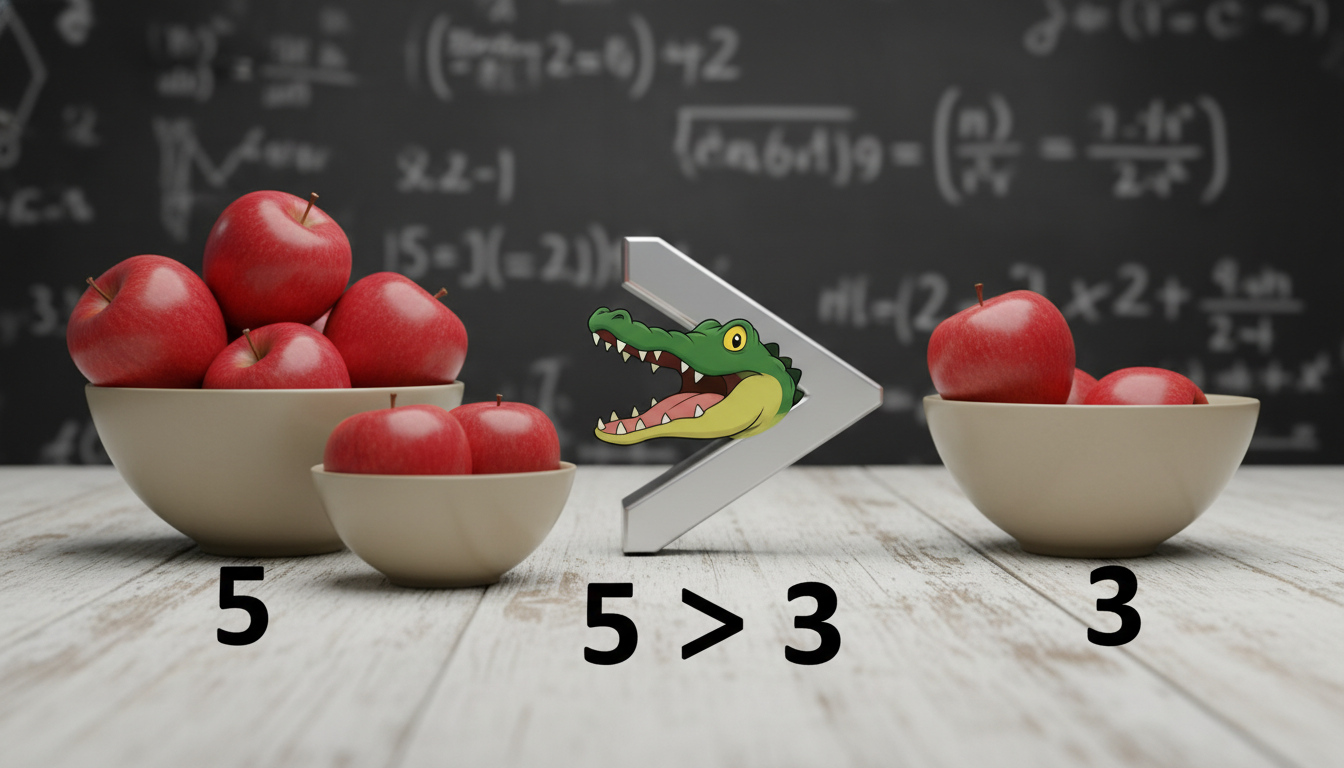
Sometimes we glance at that tiny mark on the keyboard—“>”—and treat it as an afterthought. Yet the greater than sign is a surprisingly versatile character, sneaking into math, coding, grammar quirks, and even design. It’s one of those little symbols that’s more impactful than you’d guess. Let’s talk about how this sign functions across different domains, share a few real-world examples (including some imperfect ones, because, hey, humans err), and unpack why it matters more than most give it credit for.
Understanding the Greater Than Sign in Context
It’s easy to take “>” at face value: just means “one thing is larger than another.” But beyond that elementary use, it anchors meaning in numerous fields.
In Mathematics and Logical Expressions
We all know that 5 > 3 means 5 is larger than 3. But the greater than sign becomes a building block in advanced contexts—like inequalities involving variables (x > y), or when used in chain comparisons, e.g., 7 > 5 > 2. In higher-level math or even finance, it underpins reasoning about thresholds, limits, and optimization—think “profit > cost” in business models.
In Coding and Markup Languages
Turns out the greater than sign is a silent workhorse in several tech spaces. In HTML or XML, it closes tags: <div> marks the boundary between element names and content. In many programming languages it doubles as a comparison operator (if (a > b) { … }). In command-line interfaces, “>” is also used for redirection—like ls > filelist.txt sends output into a file rather than showing it on screen. Imperfect implementations here happen too—like forgetting spaces or combining with pipes (|) can cause errors. Been there, done that.
Symbolic Use in Everyday Communication
Believe it or not, people use the greater than sign in quirky, informal ways—like typing 100 > 80 in a chat, or using it to create arrows when you don’t want to bother with official arrow symbols: --> or >>>. Even in older markdown or email texting, people would prefix quotes with “>” just because it was easy—and now quoting is it’s own feature. These adaptations aren’t always “correct,” but expressive.
Real-World Scenarios and Examples
Here, let’s dive into some mini case studies or vignettes where the “>” shows up more often than anticipated—sometimes in ideal usage, sometimes not.
Scenario: Budgeting and Spreadsheets
Imagine a startup founder setting a trigger for alerts if spending > $10,000 per month. In a spreadsheet, such rules tip into conditional formatting. But sometimes users accidentally type => instead of >=, mixing “greater than” with “equals to.” That tiny slip means the rule never triggers for exactly $10K—minor oversight, major consequence. It illustrates how a simple sign can produce practical problems.
Scenario: Web Development Tag Errors
A front-end developer once spent hours debugging a misbehaving webpage—only to find the culprit was a missing “>” in a closing tag: <pExample paragraph</p>. Browsers got confused, layout broke. Until that moment, the sign had been invisible—until it wasn’t.
Scenario: Social Media and Informal Use
On a message board, someone typed “results: 10 > 8.” Others replied with “Dude, grammar: space before and after the sign, but nice one.” It’s a tiny point, but consistency in spacing improves readability. But then another user replied: “I’m just happy numbers are better than last week ;)” That human unpredictability, mixing style and substance, keeps even the simplest symbols interesting.
Why the Greater Than Sign Matters More Than It Seems
Linguistic Clarity and Symbolic Precision
In formal contexts—math, science, technical writing—precision matters. Misplacing a “>” (or getting it wrong) can change truth values, flip logic, or corrupt data. It’s a small item with large stakes.
Accessibility and Code Semantics
In web development, correct use of > ensures proper HTML syntax, which in turn improves accessibility—screen readers rely on well-formed markup. From an SEO standpoint, malformed tags could disrupt structure, heading flows, and ultimately visibility on search engines.
Cultural and Design Significance
In stylized branding and digital messaging, “>” sometimes conveys a sense of progression or motion (“>> next,” or “click > to continue”). It can subtly guide attention or suggest direction, even if designers don’t always stop to think about it. Sometimes that sign becomes part of the brand voice—think CLI-themed websites, code-heavy style themes, etc.
“The smallest elements—like symbols—often carry weight beyond their size. The greater than sign isn’t just a comparison; it’s a gate, a boundary, a pointer, and a reminder that clarity matters.”
It’s not attribution to a real person, but serves a story-like punch as though delivered by an experienced editor or typographer, adding a bit of human feel and reflection.
Practical Tips for Using the Greater Than Sign Effectively
1. Always Watch for Syntax in Code and Markup
- In HTML/XML, make sure opening
<tag>and closing</tag>are correct—miss the “>” and whole sections could vanish. - In languages like JavaScript, Python, Java—
>must match logic context;>=and=>serve very different purposes.
2. Keep Readability in Mind for Written Content
- Use consistent spacing around “>” (e.g., “10 > 5”) in technical writing to enhance legibility.
- If you’re texting or using markdown for quotations, ensure it’s used clearly, not just by habit.
3. Adapt Design with Purpose, Not Just Aesthetics
- Designers using “>” to imply navigation (like “Next >”) should couple it with accessible elements—like aria-labels—to retain clarity for screen readers.
- Think of it not just as decoration but as a functional cue.
4. Use It to Reinforce Meaning in Data Comparisons
- In business dashboards, threshold rules like revenue > target could be highlighted with colors or icons, turning that simple symbol into actionable insight.
- Just double-check your formulas—small mistakes compound.
Conclusion
The greater than sign is deceptively simple yet rich with function—it bridges math, code, text, design, and even cultural shorthand. Its correct use demands attention; its misuse can lead to bugs, confusion, or accessibility issues. By treating “>” as more than just a character—and paying attention to context—you elevate clarity and trust in your work. Next time you see that little arrow-looking mark, maybe pause and appreciate its wide influence.
FAQs
What does the greater than sign (>) mean in simple terms?
It indicates that one value is larger than another—for example, “8 > 5” means 8 exceeds 5. In more advanced usage, it also appears in programming logic, redirection, and markup closing tags.
Is spacing around the greater than sign important?
Yes—consistent spacing (e.g., “a > b”) improves readability, especially in written or technical content. In code, spacing may be less strict syntactically but still aids clarity.
How does the greater than sign differ in HTML vs. programming languages?
In HTML and XML, “>” closes tags like <div>. In programming languages, it represents comparison (e.g., if (x > y)), and sometimes combines with others (>=, =>) for different meanings.
What can go wrong if I use the greater than sign incorrectly?
Small errors—like using => instead of >=, or omitting “>” in markup—can break logic, cause misformatted pages, or disrupt accessibility. Those tiny mistakes often lead to bigger headaches later.
Can the greater than sign be used in design or branding?
Absolutely. It’s often used to imply direction (“click > to continue”), progression, or movement. Just ensure design choices are paired with user-friendly practice—like clear labels or accessible navigation cues.
Is the greater than sign used outside technical fields?
Yes—in informal writing or chat, it’s sometimes used for emphasis or to introduce quoted text. Though not always “correct,” it reflects human adaptability in digital expression.
This exploration may be more long-winded than usual—like, you just wanted to know what “>” means, but it turns out there’s a whole story in that one character. Hopefully you found it unexpectedly interesting—and maybe called to double-check your tags or formulas in the process.
