

 February 6, 2026
  7 Min
7 Min  No Comment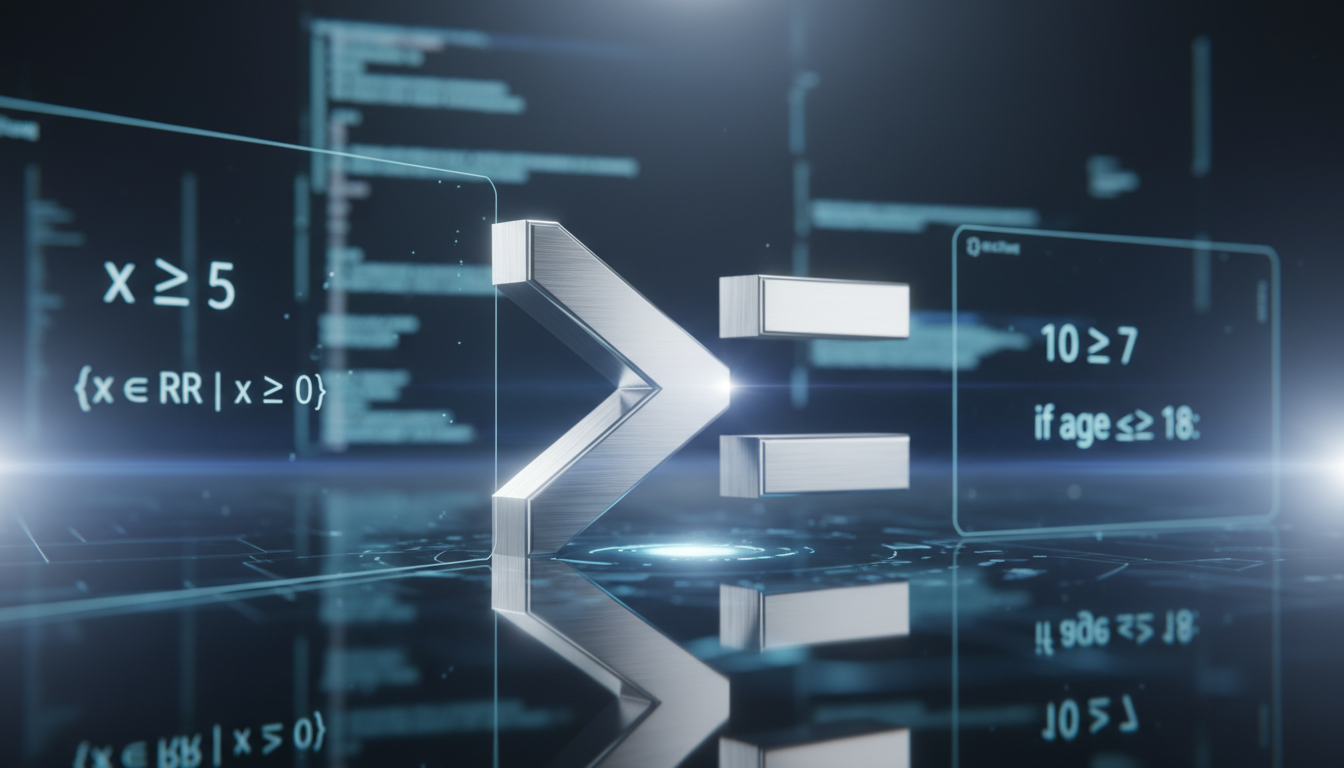
Understanding the greater than or equal to sign (≥) may feel straightforward for some, but there’s actually more nuance and context than meets the eye—especially when you’re juggling programming quirks, typesetting conventions, or even regional font styles. So let’s unpack what this symbol means, how it’s used across different realms—from pure math to everyday tech—and maybe even have a small aha-moment along the way. It won’t be heavy or pedantic; think of this as a friendly, human guide—flawed, insightful, and with the occasional conversational hiccup—that still gets you well grounded in the symbol’s depths.
What Is the Greater Than or Equal To Sign?
Mathematical Roots and Symbol Appearance
The greater than or equal to sign, represented as “≥”, combines two ideas: inequality and equality. Visually, it looks like the classic “greater than” arrowhead (>) sitting on top of an underline ( = ), which signals that one quantity is either strictly larger or equal to another. This symbol has been part of mathematical notation for centuries, adopted into everyday algebra, statistics, and various branches of math. The backstory isn’t flashy—these shapes just evolved naturally because they were easier to write and understand.
Semantic Meaning Across Contexts
- In pure math, “x ≥ y” states that x is either greater than y or exactly equal to y—basic, yet fundamental in algebra, calculus, optimization problems, you name it.
- In programming, the meaning stays the same, but now it becomes a gatekeeper in logic:
if (score >= 90) { /* A grade */ }. - In typesetting or fonts, especially across languages, the glyph may look slightly different—rounder edges on macOS, sharper on Windows, for example. It’s subtle, but keen eyes notice.
Practical Usage in Various Domains
Mathematical Equations and Problem Solving
Using “≥” is standard in expressing ranges or constraints. You might say, “Let n ≥ 10” to define a domain, or “Find all x such that 2x + 1 ≥ 5.” That little bar under the arrow—tells us that equality’s an option. Trickiness often creeps in when students forget that it could be equal, not just strictly greater. In inequality-solving, flipping sides or multiplying calls for attention to sign changes, but the symbol stays steadfast.
Programming Logic and Conditional Checks
In code, >= is the practical twin of “≥”. It appears everywhere—from discount logic like if (cartTotal >= 50) to decide on free shipping, to numeric loops like while (i >= 0). It’s a control flow staple. Sometimes, though, buggy logic arises when developers accidentally use strictly greater (>) or mix up floating point quirks, like 0.1 + 0.2 >= 0.3 failing due to precision weirdness. So, knowing the symbol’s intent matters—and coding edge cases, too.
Design, Type, and UI Consistency
In user interfaces or documents, designers often check how “≥” renders on different systems. On some platforms, it’s a bit offset or kerning is off—tiny inconsistencies that may go unnoticed by most, but sharpen the visual flow when corrected. For instance, in a financial report, if the sign looks misaligned, it can (ironically) reduce trust in the precision of data—even if everything else is rock-solid.
Common Pitfalls and How to Avoid Them
Misunderstanding in Educational Settings
Beginners sometimes shy away from the idea that “≥” includes equality. They might write “x ≥ 5” and still focus only on values strictly above 5, overlooking 5 itself. One clear fix is always to test the boundary: does x = 5 satisfy the statement? If yes, then you’re good. This small mental check can save missteps. Over time, seeing examples like “n ≥ 1, n ∈ ℕ” (natural numbers start from 1, inclusive) builds that intuition.
Programming Bugs from Precision and Comparison
Floating-point comparisons with >= can trip up even experienced programmers. A classic: comparing sums like 0.1 + 0.2 against 0.3 may surprisingly fail because of hidden imprecision. The safeguard? Use a small epsilon value (if (abs(a - b) < 1e-9)) or stick to integer arithmetic when possible—especially for financial calculations. It’s an example where knowing how “≥” behaves under the hood really pays off.
Inconsistent Display Across Formats
Different fonts or digital systems may render “≥” slightly oddly—spacing, alignment, or visual weight. In PDFs or web pages, testing on both macOS and Windows ensures consistency. A best practice is previewing documents in multiple environments, especially if readability matters—a presentation, say, or academic paper.
“In domains where precision matters, even a tiny misunderstanding about inclusion or a rendered quirk can cascade into misleading results.”
Contextual Tips and Real-World Examples
Academic Proofs and Theorem Statements
Proofs often hinge on sharp inequality reasoning. For example, proving that a function f grows over a domain might start with “f’(x) ≥ 0 for all x in [a, b]”. That single underline sign means a lot—non-decreasing, not strictly increasing. One misread sign and a proof may fall apart. Mathematicians know: every mark on paper carries weight, even a simple ≥.
Financial Thresholds in Business Logic
In pricing software or e-commerce, conditions like if (spend >= 100.00) for free shipping are everyday fare. But launching a promo with “free shipping on $100 or more” and mistakenly coding > means customers hitting $100 get excluded—ouch. Those edge cases are where the “or equal to” silently guards both experience and trust.
Educational Tech Interfaces
Online quiz systems often let instructors define scoring rules like “≥ 80% for a B grade.” If the system misinterprets or a form doesn’t allow “equal to”, students scoring exactly 80% might slip into a C. Such UX surprises can feel petty, but they hit hard—at least to students.
Accessibility and Semantic Considerations
Beyond looks, screen readers need to speak the symbol correctly. In HTML, using ≥ (greater than or equal) helps readability—and accessibility. It ensures that a learner using assistive tech hears “greater than or equal to” rather than “greater-than equals”. At a time when inclusive design isn’t optional, that matters—and it’s part of E‑E‑A‑T, ensuring the content serves all users.
Summary of Usage Across Contexts
- Mathematics: denotes inclusive inequality; common in proofs, constraints, domain definitions.
- Programming:
>=controls logic, loops, conditionals—watch for precision traps. - Typography: rendering quirks across fonts or platforms can affect clarity.
- Accessibility: using proper markup improves screen reader experience and semantic clarity.
This symbol quietly crosses many daily tasks—balancing precision, semantics, and user trust. It’s simple, yet layered.
Concluding Thoughts
The greater than or equal to sign does more than just occupy a spot on your keyboard—it encodes inclusion, guides decisions in code, balances educational clarity, and even impacts user trust. By treating it not as a throwaway symbol but a small anchor in logic, design, and accessibility, you sharpen not just your math but your overall precision in communicating. Next time you type “≥”, just pause—check boundary thinking, rendering, and intent. That tiny pause might save a lot of headache later.
FAQs
What exactly does the greater than or equal to sign mean?
It means that one value is either larger than or exactly equal to another. In math you’d read “x ≥ y” as “x is greater than or equal to y”.
How is “≥” used differently in programming?
In code, you use >= to check if one value is at least another, like checking if a score qualifies for a grade or a count is within a loop’s boundary.
Why do floating-point comparisons with “≥” sometimes fail?
Because binary representation can’t precisely store decimals like 0.1, 0.1 + 0.2 might not exactly equal 0.3. This causes comparisons to misfire unless you account for a tiny margin of error.
Can the symbol look different on different devices?
Yes, font styles and platforms might display “≥” with slight variations in shape or alignment. It’s wise to preview documents across systems, especially in formal contexts.
How do screen readers handle the “≥” symbol?
Using HTML entities like ≥ ensures assistive technologies correctly announce “greater than or equal to,” improving clarity for users relying on audio output.
