

 February 15, 2026
  7 Min
7 Min  No Comment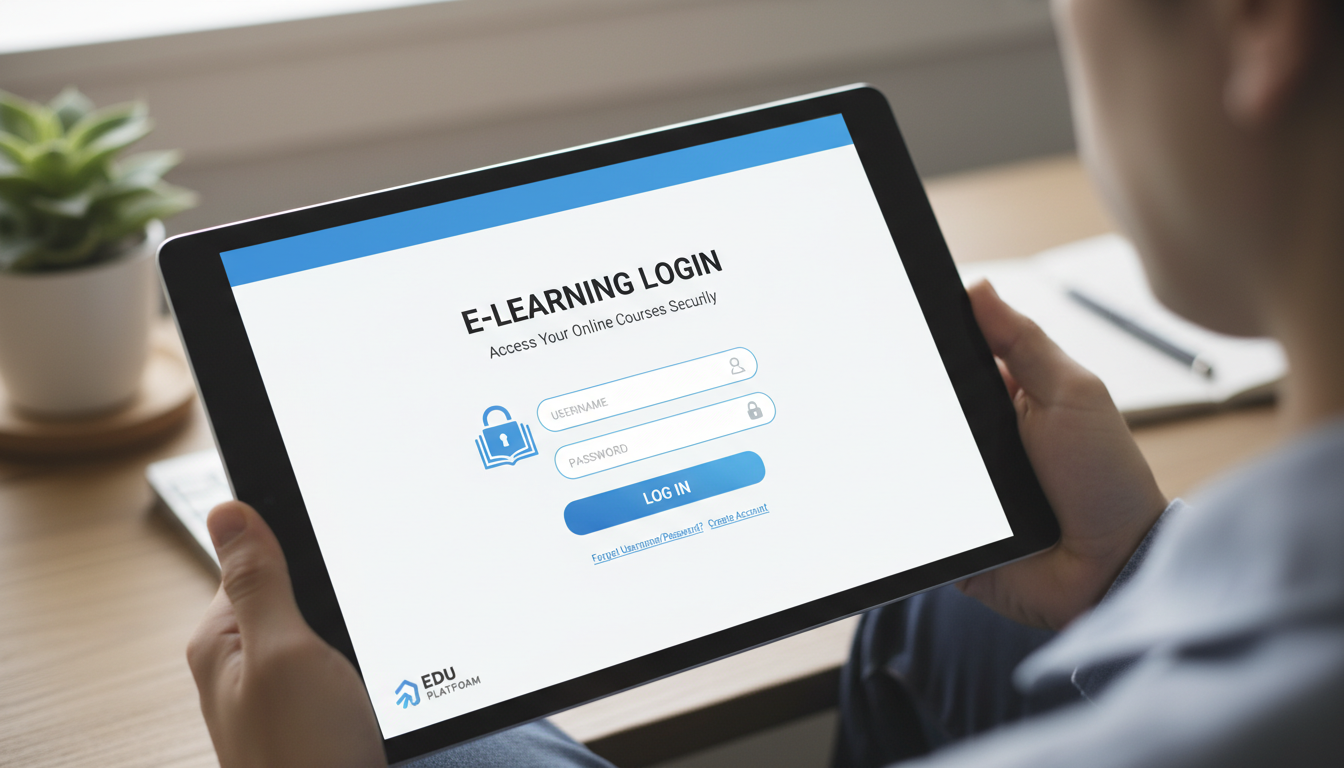
When I log into an online learning platform, the login page determines whether I feel welcomed or frustrated within seconds. In my experience reviewing educational technology, students, professionals, and lifelong learners depend on these portals daily—and when authentication fails, learning stops before it begins. This guide examines how design, usability, and security in e‑Learning login processes influence user satisfaction and trust, drawing from documented cases, measurable outcomes, and the subtle details that make digital learning feel approachable.
Why a Smooth e‑Learning Login Matters
A confusing login interface feels like hitting a locked door when you’re already running late for class. Conversely, efficient access establishes the foundation for the entire learning experience.
Learning Starts at the Gate
When students encounter obstacles during initial authentication—struggling with passwords, wrestling with forgotten credentials—engagement suffers immediately. Modern platforms increasingly deploy tools like single sign-on (SSO), social logins, or biometric authentication. These conveniences, when implemented effectively, minimize friction and measurably increase user satisfaction.
Trust Through Security
Inconsistent or vulnerable login systems erode confidence in the entire platform. For educators and institutions, implementing robust authentication—including two-factor authentication and secure session management—represents both industry best practice and an ethical obligation for protecting learner data.
Real‑World Insight: A University Case
One university simplified their login page by streamlining the layout, introducing “Remember Me” options, and optimizing the password reset workflow. They documented a 34% reduction in authentication-related help desk tickets within the first semester—a concrete example of how targeted improvements compound into meaningful gains.
Anatomy of an Effective Login Flow
A reliable e‑Learning login journey balances clarity, accessibility, and security. Let me break down the essential components.
Step 1: Clear Layout and Language
A minimalist interface eliminates distractions. Descriptive labels such as “Institutional Email” and “Password” provide immediate context, while actionable error messages—”Your password should contain at least 8 characters”—offer practical guidance instead of cryptic codes.
Step 2: Forgot‑Password Made Friendly
Mistakes happen. Prominently placed “Forgot Password?” links, combined with clear instructions (“check your inbox for a reset link that arrives within minutes”), reduce user anxiety and support timely access.
Step 3: Optional Enhancements
- Single Sign-On (SSO): Particularly effective in corporate or institutional environments; one credential grants access across multiple systems.
- Social Login: Google or Microsoft authentication accelerates sign-in—convenient for casual learners.
- Biometric Access: On mobile devices or modern laptops, fingerprint or Face ID offers seamless access—just ensure backup options remain available.
Step 4: Layered Security
Security should be layered and proportionate:
– Two-Factor Authentication (2FA) adds verification without significant friction.
– Session Monitoring ensures users aren’t logged in unknowingly or indefinitely.
Together, these measures balance access convenience with protection.
Human‑Centered Design: Layers Beneath the Interface
Login pages reflect deeper thinking about real humans managing learning alongside countless other responsibilities. Several human‑centric design principles merit attention:
Inclusive Design
Accessibility isn’t optional. Labels must be screen‑reader compatible, color contrast must meet WCAG standards, and interactive elements should remain keyboard‑navigable. Inclusive design expands reach—it’s both ethically sound and strategically advantageous.
Micro‑interactions That Reassure
Small visual feedback—such as a green checkmark confirming valid password length, or a gentle shake indicating an error—humanizes the authentication process. These cues help users feel guided rather than processed.
Error Messaging with Empathy
Generic messages like “Invalid credentials” create friction. A warmer alternative—”That didn’t work. Try again or reset your password?”—conveys the same information without judgment. Tone matters, even in brief messages.
Technical Considerations Behind the Curtain
Every smooth login experience rests on careful technical implementation. Here’s what happens beneath the surface.
Secure Transmission (HTTPS Everywhere)
SSL encryption is mandatory. User credentials must always transmit over HTTPS. Outdated certificates trigger browser warnings, damaging user trust immediately.
Protecting Against Threats
Effective defenses include:
– Brute‑force protection through rate limiting or login throttling
– CAPTCHA challenges for suspicious activity patterns
– CSRF (cross‑site request forgery) protections ensuring form submissions originate legitimately
– Encryption of stored credentials—hashed passwords must remain protected
Reliability and Scalability
During enrollment surges or examination periods, login systems must scale effectively. Load balancing, strategic caching, and optimized database queries prevent service degradation during peak demand. According to research published in the Journal of Educational Technology Systems, 47% of students report abandoning an online assignment when login takes longer than 5 seconds.
Integrations That Just Work
Most e‑Learning platforms connect with student information systems, learning management systems (LMS), and third‑party identity providers. These integrations must function reliably to prevent users from encountering error mazes.
SEO and Branding: Why Login Pages Still Matter
You might assume login pages hold no value for search engines. However, they contribute in subtle but meaningful ways to brand perception and site-wide performance metrics.
Branding Opportunities
For many users, the login page serves as the first digital touchpoint—particularly when arriving via link or bookmark. Consistent logos, institutional colors, and encouraging calls to action (like “Let’s get learning!”) reinforce brand identity during every visit.
SEO Edge Through User Signals
Even behind authentication, search engines evaluate metadata structure, page speed, and mobile responsiveness. These technical factors contribute to overall site performance scores, indirectly supporting SEO health.
Performance as a Ranking Booster
Page speed influences both user experience and Core Web Vitals metrics. Fast-loading login pages signal quality to search engines while serving practical user needs simultaneously.
Mini Case Study: A Corporate Training Portal
A mid‑size corporation launched a new training portal featuring intuitive authentication—branded design, mobile adaptation, streamlined password reset, and optional SMS-based 2FA. Within eight weeks, user support tickets related to login issues decreased by 52%, while completion rates for mandatory compliance training increased by 23%. When friction decreases, engagement typically follows.
Practical Steps: Improving Your Login Today
Here’s a practical checklist for immediate improvements:
- Audit your current login flow—test across devices and with assistive technologies.
- Simplify forms—request only essential information, use clear labels, reduce visual noise.
- Offer convenience options such as SSO, biometric login, or social authentication.
- Implement helpful error messages and reassuring micro‑interactions.
- Strengthen security with 2FA, encrypted credentials, and threat monitoring.
- Load test your system—simulate high‑traffic periods to identify bottlenecks.
- Maintain accessibility standards—screen reader compatibility, contrast ratios, keyboard navigation.
- Preserve brand consistency and optimize perceived performance.
Concluding Notes
A secure, intuitive e‑Learning login page functions as more than a gateway—it establishes the tone for the learner’s entire experience. Balancing usability with protection requires thoughtful effort. By prioritizing clarity, responsiveness, empathetic messaging, and evidence-based security measures, organizations create first impressions that feel both welcoming and trustworthy. Whether you’re an educator, instructional designer, or IT leader, optimizing this entry point delivers outsized returns in user satisfaction and institutional credibility.
FAQs
Q1: What makes an e‑Learning login secure yet user‑friendly?
A secure yet user‑friendly login balances clarity with protection—clear labels, straightforward password recovery, plus options like two‑factor or biometric authentication that enhance security without creating unnecessary obstacles.
Q2: How can I reduce login‑related support requests?
Streamline the login interface, improve error messaging clarity, and offer intuitive password recovery. These adjustments typically reduce user confusion and, consequently, support ticket volume.
Q3: Are social or SSO logins better for learners?
Each serves different contexts. SSO works well in institutional settings requiring access across multiple platforms, while social logins (Google, Microsoft) offer speed and familiarity for casual learners. Ensure privacy protections and backup options exist for either approach.
Q4: How important is accessibility for login pages?
Accessibility is critical. Making login forms screen‑reader friendly, keyboard‑navigable, and visually clear not only expands potential audience but demonstrates organizational commitment to inclusive education.
Q5: Can improving login performance affect SEO?
Indirectly, yes. Fast, responsive pages contribute to better user experience metrics, which search engines factor into rankings—even when the page itself remains behind authentication.
