

 March 12, 2026
  8 Min
8 Min  No Comment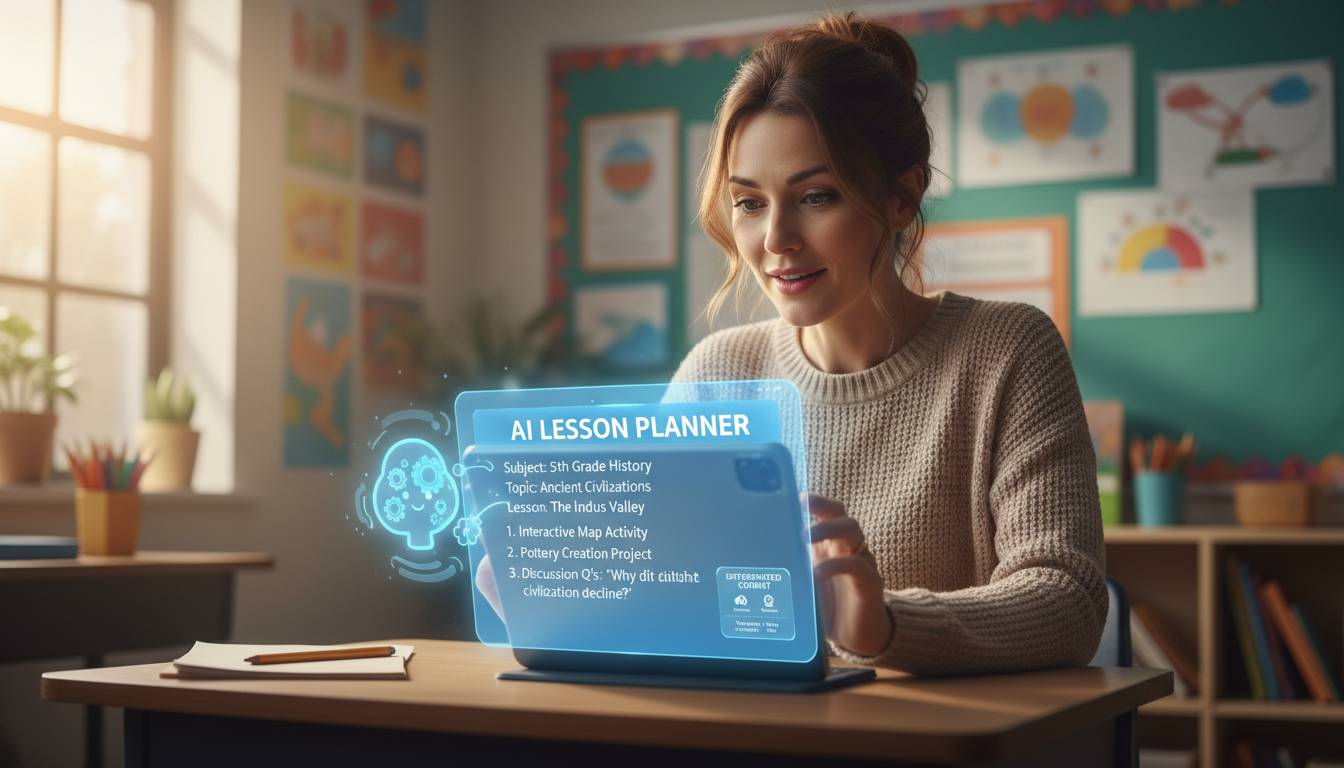
Teachers are overwhelmed. Between lesson planning, grading, parent emails, and a seemingly endless stack of administrative work, many find themselves working late nights and weekends just to stay afloat. Artificial intelligence tools are changing that equation, offering real ways to automate the busywork and personalize instruction without adding hours to the workday.
Understanding AI Tools for Educators
AI tools for teachers come in many forms. Some are general-purpose language models like ChatGPT and Claude. Others are built specifically for education—think adaptive math platforms or automated grading software. What they all share is the ability to handle tasks that would otherwise eat up hours of manual labor.
The main categories worth knowing about: lesson planning assistants that generate curriculum materials, grading tools that evaluate student work, adaptive learning platforms that adjust to individual students, and communication tools that streamline parent interactions and reporting.
About 35% of U.S. teachers have tried AI tools in some form, and that number is climbing quickly. The pattern mirrors what happened when smartphones first entered schools—initial wariness giving way to broad adoption once teachers saw the practical benefits in their daily work.
AI for Lesson Planning and Curriculum Development
Lesson planning takes up a huge chunk of prep time. AI can help by generating a first draft that you’d then tailor to your specific students. Tell it what you’re teaching, what grade level, and how long you have—it spits out activities, discussion questions, and assessment ideas. You review, tweak, and you’re done in minutes instead of hours.
Canva’s Magic Write, Diffit, and Curipod are built specifically for teachers. They can create different versions of the same material for students at different ability levels, generate vocabulary lists, or produce guided notes from a single lesson concept.
The real advantage comes from combining AI’s speed with your knowledge of your kids. An AI-generated plan gives you structure. Your professional judgment adds the nuance that makes a lesson actually land with your specific students.
AI for Grading and Feedback Automation
Grading eats up more time than almost anything else, especially if you teach multiple sections. AI grading tools now handle everything from multiple-choice quizzes to essays. Gradescope, Turnitin’s AI features, and carrot ai help you evaluate student work faster.
The biggest win is immediate feedback on formative assessments. When students finish practice problems or short writing, AI can analyze responses and offer suggestions within seconds. Students know what they got wrong while the material is still fresh—not waiting a week for you to hand things back.
For essays, AI highlights weak arguments, suggests organizational improvements, and flags areas where students show strong understanding. You still make the final call on grades, but the heavy lifting gets done faster.
Teachers who use these tools report cutting grading time by 30-50% on certain assignments. That time goes back into higher-value work: one-on-one conferences, better instruction, actually having a life outside school.
AI for Student Engagement and Personalized Learning
Every classroom has students working at vastly different levels, with different learning styles and paces. Adaptive learning platforms handle this by changing content difficulty based on how each student performs. Khan Academy’s Khanmigo, DreamBox, and Carnegie Learning use algorithms to create learning paths that adjust in real-time.
When a student struggles with a concept, the system offers more scaffolding and practice. When they show mastery, it moves them ahead. A single teacher can’t realistically do this for 25-plus kids in a classroom—these tools make it possible.
AI also enables new kinds of student interaction. Language apps give pronunciation feedback. Writing tools offer suggestions as students work. Math platforms walk through problems step-by-step when kids get stuck. Learning extends well beyond the 45-minute class period.
Teachers using these platforms see more engagement. Students like getting immediate feedback and watching their progress through personalized content tracks. The game-like elements built into many platforms don’t hurt either.
AI for Administrative Tasks and Communication
Teaching involves a ton of paperwork: attendance, behavior reports, parent emails, district requirements. AI tools are increasingly handling these tasks, cutting down the administrative load that burns teachers out.
Communication tools can draft parent emails from your notes. The drafts get personalized for different communication styles and translated into multiple languages automatically. You review, tweak if needed, and send—much faster than writing from scratch.
For special education teachers managing IEPs, AI helps generate progress reports and document student achievements. This ensures compliance with requirements without spending hours on administrative writing.
Meeting note tools help you get more from professional development. Instead of staying late organizing what happened, you get actionable summaries and task lists in minutes.
Getting Started with AI: A Practical Guide for Teachers
Start small. Try AI for low-stakes stuff first—worksheet templates, substitute teacher plans. These let you learn how AI responds to different prompts without affecting grades or instruction.
Your district probably offers professional development on AI. State education agencies and ISTE have resources too. Many districts now include AI literacy in their training programs, which tells you something about how fast this is becoming standard.
Set clear guidelines for AI use in your classroom. Be upfront with students about when and how you’re using it—modeling ethical technology use matters. For assignments, be clear about what’s okay and what isn’t. Academic integrity isn’t about banning AI; it’s about being transparent.
Student data privacy is non-negotiable. Make sure any tool you use complies with FERPA and your district’s data policies. Read the privacy policies. Know how student information gets stored and used before you sign up.
Conclusion
AI gives teachers a real chance to cut administrative burden, personalize learning, and get some time back. The sweet spot is treating AI as a powerful assistant—not a replacement for your expertise. Automate the busywork so you can focus on what algorithms can’t do: building real relationships with students, providing the kind of nuanced instruction that responds to individual needs, and fostering the creativity and critical thinking that actually prepare young people for what’s ahead.
Teachers who approach this with curiosity—starting small, checking what works, scaling up what does—tend to find these tools become essential parts of how they teach. As AI gets more sophisticated, the possibilities will only grow. The teachers who lean into that will be better positioned to handle the demands of a changing profession.
Frequently Asked Questions
How can I use AI as a teacher?
Start with lesson planning—use AI to generate initial frameworks and activity ideas. Try it for grading certain assignment types, creating differentiated materials for mixed-ability classrooms, and drafting parent communications or sub plans. Build familiarity with low-stakes uses before integrating AI into core instruction.
What is the best AI tool for teachers?
It depends on what you need. ChatGPT and Claude work well for general lesson planning and content creation. Khan Academy’s Khanmigo is strong for personalized student learning. Gradescope excels at efficient grading. Many teachers use a combination—different tools for different tasks.
Is it appropriate for teachers to use AI?
Yes. It’s increasingly expected in modern education. The key is transparency with students about when and how AI is used, maintaining academic integrity, protecting student data privacy, and applying your professional judgment to anything AI generates before sharing it with students. AI should supplement your expertise, not replace it.
How is AI being used in classrooms today?
Classrooms use AI for adaptive learning platforms that personalize content, automated grading systems, language learning tools with speech recognition, writing assistants, and administrative tools that reduce paperwork. How much any classroom uses depends on school resources and teacher comfort with technology.
Are AI tools safe for students?
They can be safe with proper safeguards. Verify tools comply with FERPA and district privacy policies. Review AI-generated content before sharing with students. Supervise student use of AI tools. Establish clear classroom guidelines about acceptable use. Regular monitoring and updates to your approach help maintain safe learning environments.
Will AI replace teachers?
Unlikely. Education involves complex human relationships, nuanced understanding of individual student needs, and emotional support that algorithms can’t replicate. AI will increasingly serve as a powerful assistant that handles routine tasks—freeing you to focus on the high-value interpersonal work that actually drives student success.
The post AI for Teachers: Save Time & Transform Your Teaching appeared first on boostelearning.